

Key Takeaways
- Manual budgeting builds stronger financial awareness through deliberate, hands-on tracking.
- App-based budgeting reduces friction by automating data entry and categorization.
- Neither method is universally superior — the right fit depends on your habits and financial complexity.
- Privacy, cost, and customization are key factors when evaluating budgeting apps.
- Many people combine both approaches, using apps for tracking and spreadsheets for planning.
Our Verdict
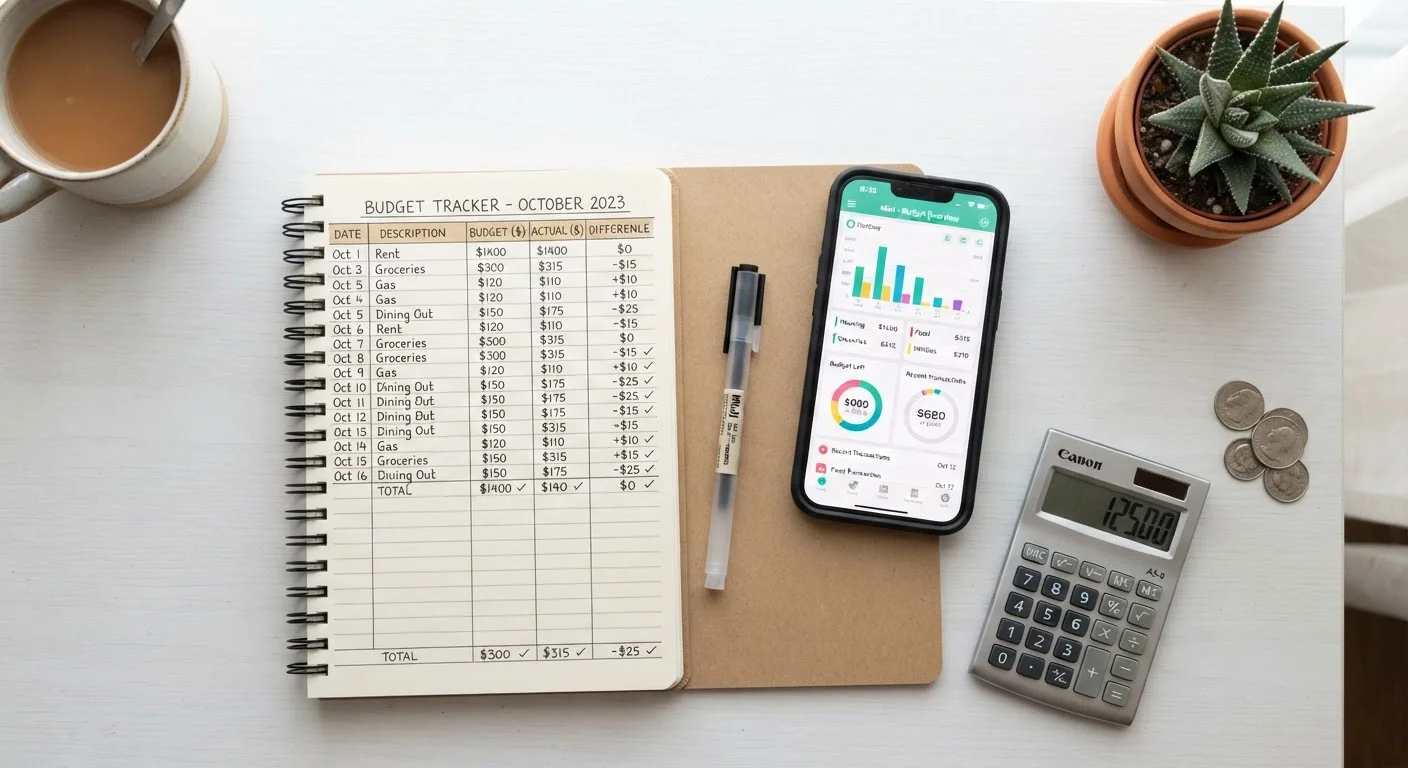
Manual budgeting rewards people who want full control, deep awareness, and zero dependency on third-party platforms. App-based budgeting suits those who prioritize automation, consistency, and real-time visibility across multiple accounts. Most households will benefit from understanding both methods before committing to one.
| Best for | Recommended |
|---|---|
| Those who want complete control and financial mindfulness | Manual budgeting |
| Busy households managing multiple accounts or income streams | App-based budgeting |
| People new to budgeting who need structured guidance | App-based budgeting |
| Those with privacy concerns or complex custom categories | Manual budgeting |
Why the Method You Choose Matters
Budgeting works when you actually do it — and the format you use has a direct effect on whether you stick with it. A spreadsheet that feels tedious gets abandoned. An app you don't trust sits unused on your phone. Choosing between manual and app-based budgeting isn't just a preference question; it shapes how frequently you engage with your finances and how deeply you understand them.
If you're just starting out, see our step-by-step guide to building your first household budget for the foundational concepts both methods rely on. Understanding how fixed and variable expenses differ is also essential groundwork before picking a tracking system.
| Manual Budgeting | App-Based Budgeting | |
|---|---|---|
| Setup effort | High — requires building your own template | Low — guided setup with bank sync |
| Ongoing time commitment | High — manual data entry required | Low — automated transaction import |
| Customization | Unlimited — design any category structure | Limited to app's preset or custom categories |
| Cost | Free (spreadsheet tools widely available) | Free to paid tiers; some charge monthly fees |
| Privacy and security | Full control — no credentials shared | Requires linking bank accounts to third party |
| Financial awareness | High — deliberate engagement with every number | Lower — automation reduces hands-on processing |
| Real-time visibility | Only as current as your last update | Near real-time with automatic syncing |
| Best for | Detail-oriented, privacy-conscious users | Busy households wanting low-friction tracking |
What Manual Budgeting Gets Right
Manual budgeting — whether done in a spreadsheet, a dedicated notebook, or a printed template — forces you to engage with every number. When you type or write a figure, your brain processes it more deliberately than when software does it for you. Research in behavioral finance consistently supports the idea that friction, used intentionally, can improve financial decision-making by slowing down automatic spending patterns.
Manual systems are also highly customizable. You can design categories that match your actual life rather than fitting your habits into predetermined app buckets. There are no subscription fees, no linked bank credentials, and no risk of a third-party platform changing its terms or shutting down. For people with irregular income — such as freelancers or contractors — a custom spreadsheet can be adapted month-to-month in ways that rigid app templates sometimes resist. See how this plays out in practice with our guide to budgeting on an irregular income.
The main drawback is time. Manually entering every transaction and reconciling totals is genuinely labor-intensive. Errors compound when categories are miscounted, and without automation, it's easy to fall weeks behind — at which point the budget loses its usefulness as a real-time tool.
Try a Manual Budget First
If you've never budgeted before, starting with a simple spreadsheet or notebook for one or two months builds financial awareness that carries over to any tool you use later. Writing down income and expenses manually — even briefly — helps you understand your actual spending patterns before automation takes over that job.
What App-Based Budgeting Gets Right
Budgeting apps reduce the single biggest barrier to consistent tracking: data entry. By connecting to bank accounts and credit cards, most apps import and categorize transactions automatically, giving you a near-real-time picture of where your money is going without manual effort. For households juggling multiple accounts, joint finances, or regular automatic payments, this visibility is genuinely difficult to replicate in a spreadsheet.
Apps also provide built-in alerts — overspending warnings, upcoming bill reminders, and monthly summaries — that keep your budget active rather than a document you review once and forget. Many platforms support goal-based tracking for savings targets, debt payoff timelines, and paycheck-aligned spending cycles.
The tradeoffs are real, though. Granting read access to financial accounts carries security and privacy considerations. App categorization is imperfect — transactions often land in the wrong bucket and need manual correction anyway. Free tiers of many apps have limited features, while paid tiers add a recurring cost. And when an app discontinues a feature or raises prices, your entire system can be disrupted. For a complementary low-tech approach worth understanding alongside apps, our article on envelope budgeting in a digital world covers how that method adapts to modern use.
~1 in 3
Americans who follow a formal budget
Gallup polling has consistently found that fewer than half of US adults maintain a detailed household budget.
~80%
App users who cite convenience as the top benefit
Consumer surveys by financial technology researchers regularly find ease of use is the primary driver of budgeting app adoption.
Choosing What Fits Your Situation
The most effective budgeting system is the one you'll sustain. A few questions can help clarify which approach — or which combination — suits you best:
- How consistent are you with data entry? If logging transactions manually stalls after a week, automation reduces that friction significantly.
- How complex are your finances? Multiple income sources, irregular cash flows, and business expenses often benefit from a custom spreadsheet's flexibility.
- How comfortable are you sharing account credentials? If linking bank accounts to a third-party platform concerns you, a manual system preserves full data control.
- Do you want a budgeting structure built in? For those exploring frameworks like zero-based budgeting, see our comparison of zero-based vs. percentage-based budgeting to match a method to a format.
Many households land on a hybrid: an app for day-to-day transaction tracking and a spreadsheet or checklist for monthly planning and review. Our monthly budget setup checklist works well alongside either format. Whatever you choose, consistency and regular review matter more than the tool itself.
This article is for general informational and educational purposes only and does not constitute personalized financial advice. Consult a qualified financial professional for guidance tailored to your specific circumstances.